Overview
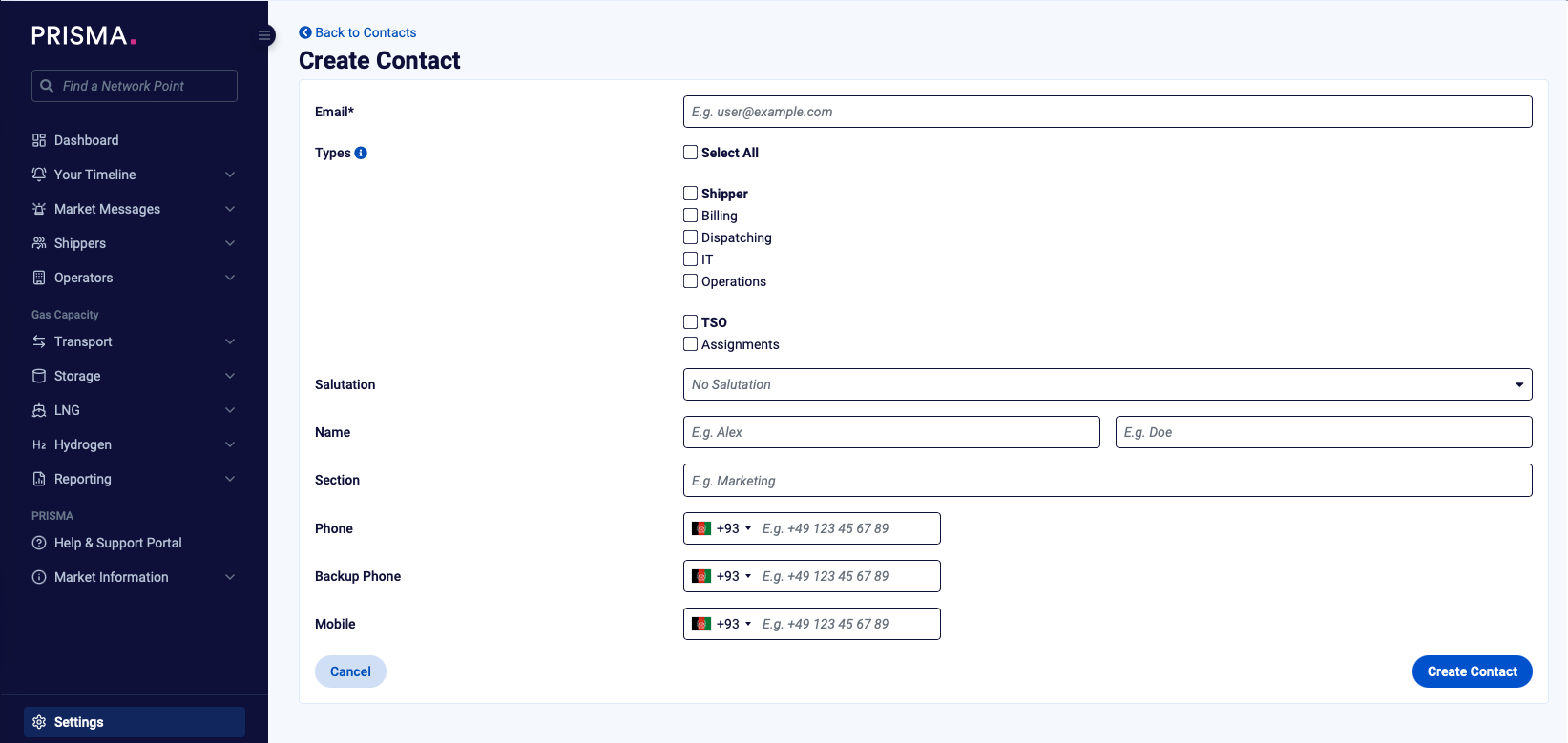
As a shipper admin, you can add new contact representatives to your company and manage the following contact types:
1. Dispatching
2. Billing
3. Communications
4. Operations
Note: for any changes concerning the "Dispatching (Central)" contact, please fill out Form 1 and send it to helpdesk@prisma-capacity.eu.
Instructions
1. Log in to your account
2. Open "Settings"
3. Under "Company Settings", select "Contacts"
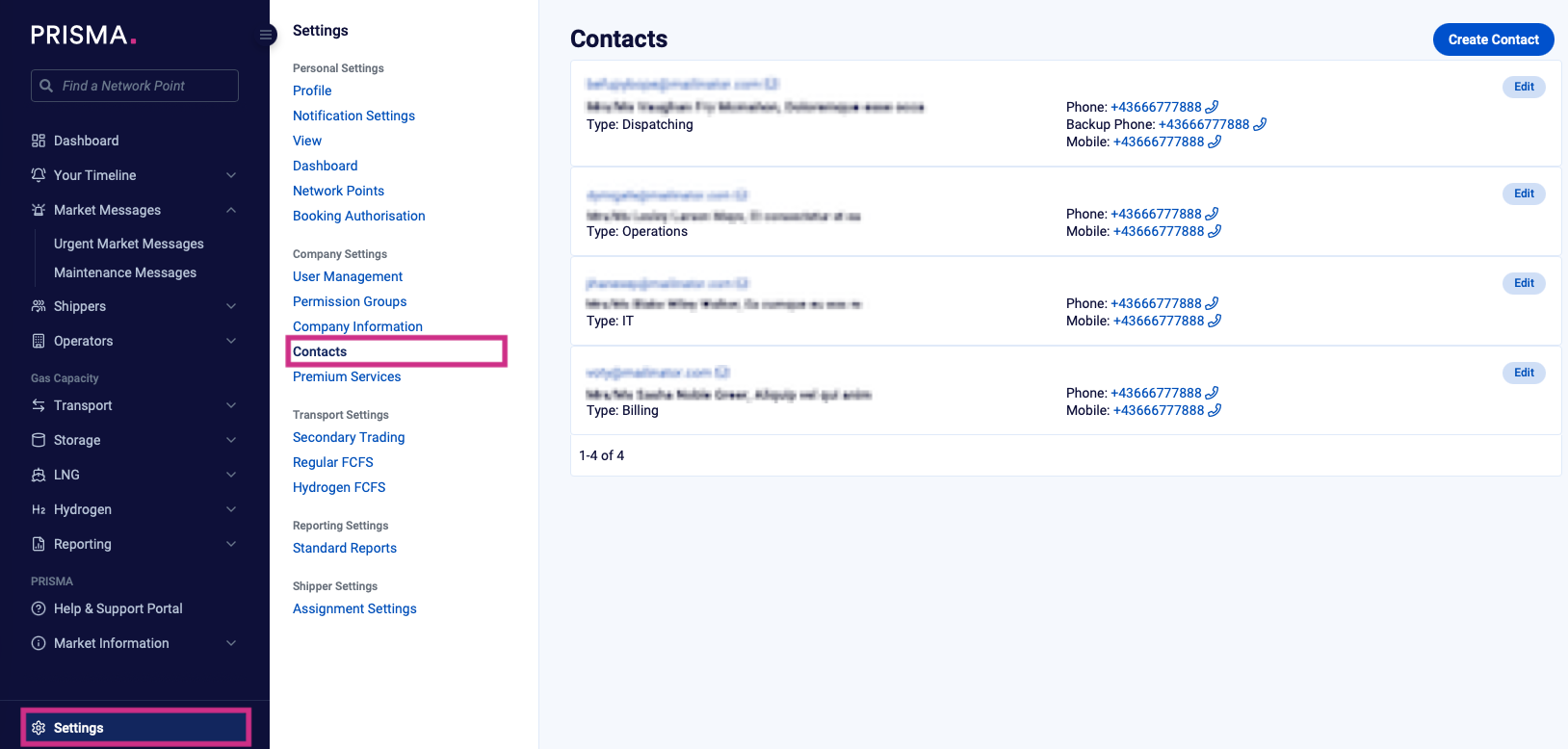
4. Click "Create Contact"
5. Fill out the required information fields (e.g., name, email address, phone number, and contact type)
6. Click "Create Contact"