
Overview
If you have an active PRISMA account but don't remember your password, you can set a new one yourself with the Forgot Password? link on the login page. PRISMA sends a verification code to your email address, and you use that code to set a new password.
Resetting Your Password
To reset your password, do as follows:
- Go to the PRISMA login page, or click Login at the bottom of the left sidebar.
- Enter your email address in the Email Address field.
- Click Forgot Password?.
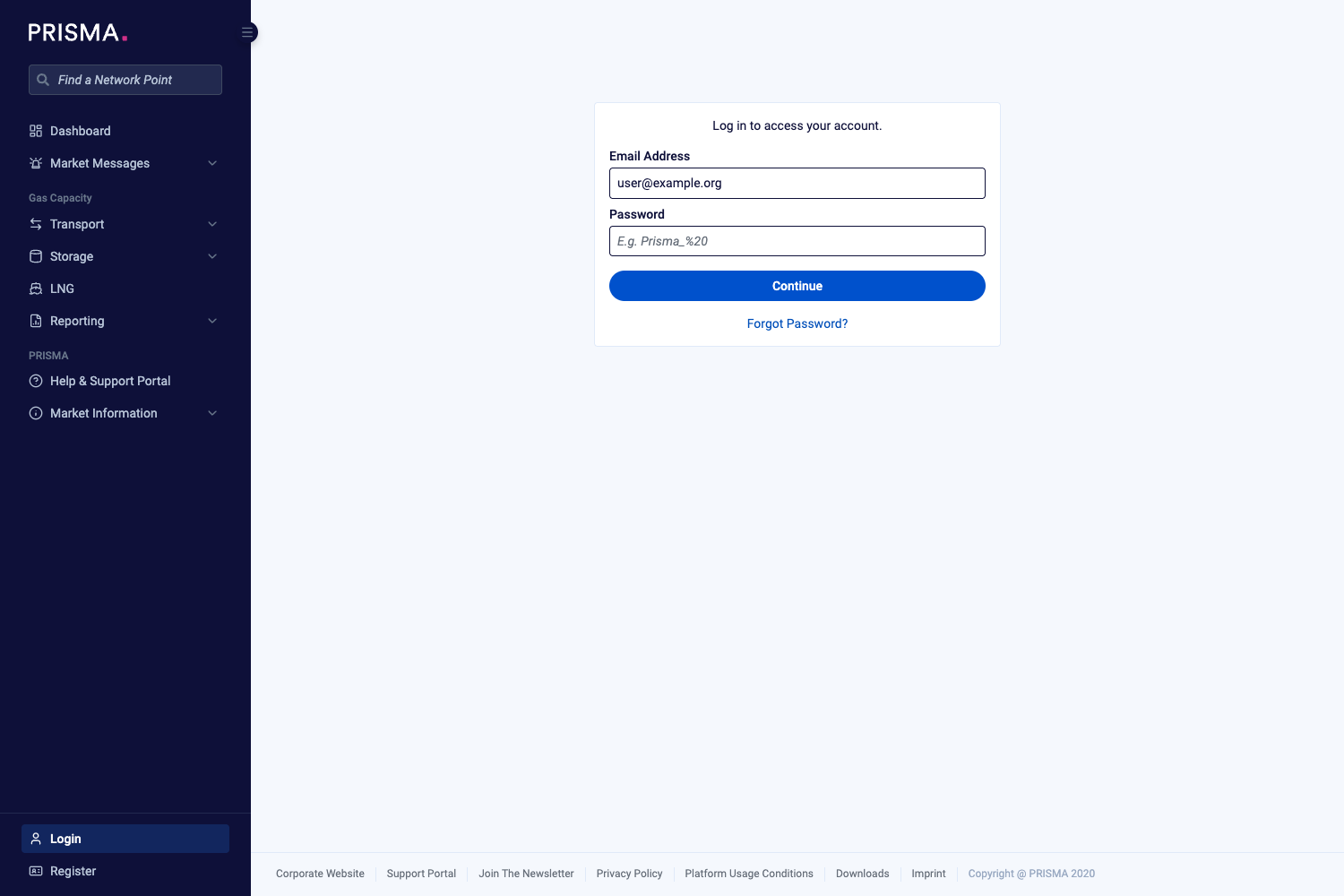
The login page, with the Forgot Password? link below the Continue button.
- Check that the Email Address field shows the account you want to reset, then click Reset.
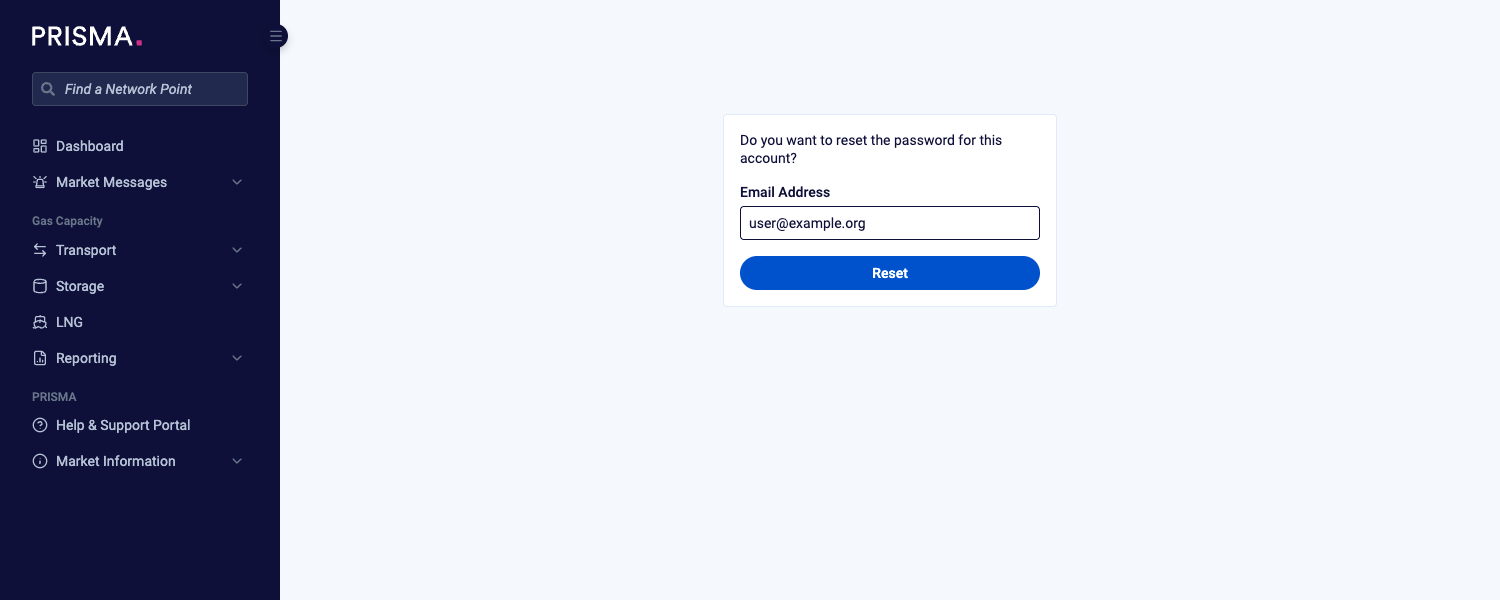
The confirmation step, with the email address carried over from the login page.
- Open the email from PRISMA and copy the six-digit verification code. PRISMA only sends the code if the email address belongs to an existing account.
- Back on PRISMA, enter the code in the Verification Code field.
- Enter your new password in the New Password field.
- Enter the same password again in the Confirm Password field.
- Click Change.
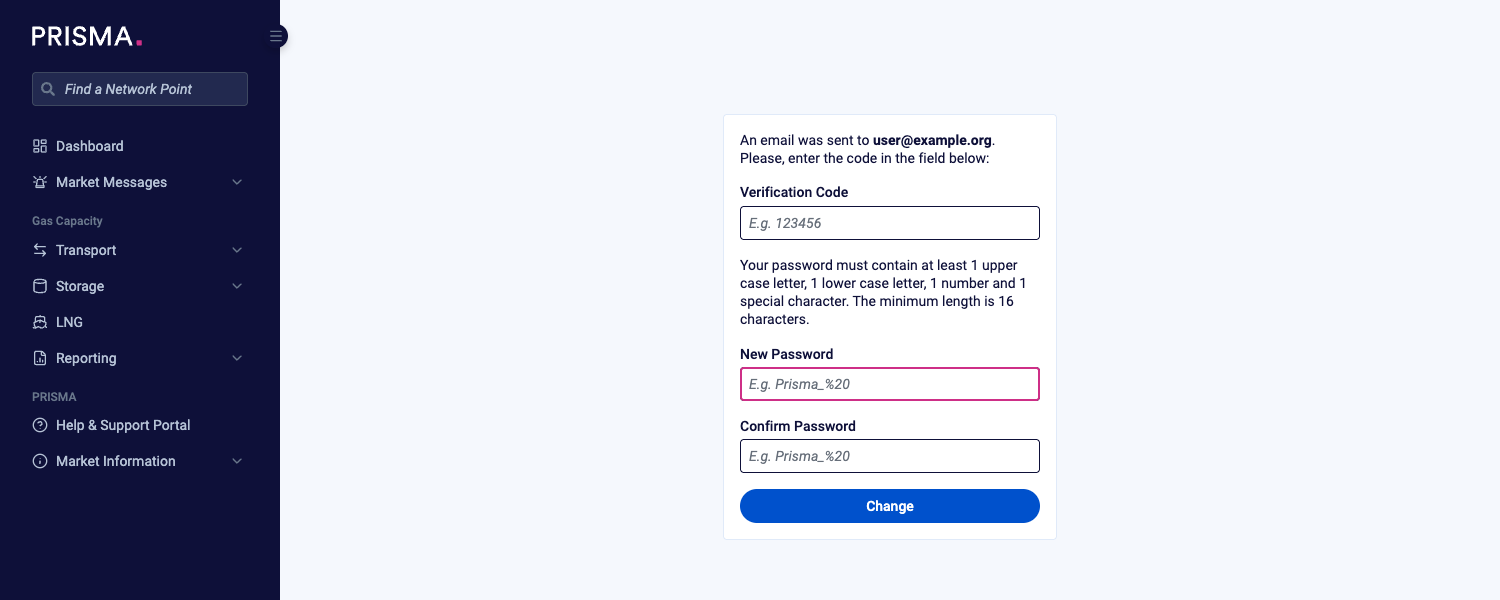
The reset form, with the password rules shown above the New Password field.
PRISMA shows a green notification to confirm that you can use your new password now. You can log in with it straight away.
Password Rules
Your new password must meet all of the following rules:
| Rule | Requirement |
|---|---|
| Length | At least 16 characters |
| Upper case letter | At least 1 |
| Lower case letter | At least 1 |
| Number | At least 1 |
| Special character | At least 1 |
If Something Goes Wrong
| Message | What to do |
|---|---|
| Please enter a valid email address. | Check the email address for typos and try again. |
| There were too many requests in a short amount of time. Please try it again later. | Wait a few minutes before you request another code. |
| The provided verification code was not correct. | Check the code in the email and enter it again. If you requested more than one code, use the one from the most recent email. |
| Your token has already been used once. | Start again from step 1 to receive a new code. |
If you still can't log in, please consult: I have registered at PRISMA but cannot log in!