
Overview
A frame contract (FMCT) is a general agreement between your company and a Transmission System Operator (TSO). It does not cover any specific capacity booking, but it is the precondition for booking capacity with that TSO on the primary and secondary market. If you have an assignment to a TSO, you normally need a frame contract with it, unless a legacy contract (LECT) already exists.
For further information, please consult: What Types of Capacity Contract Are There?
You can request a frame contract on PRISMA only from a TSO that uses PRISMA's Contract Management Service, and only once you have an assignment to that TSO.
For further information on assignments, please consult: How to View Your Assignments to Operators?
Requesting a Frame Contract
To request a frame contract, do as follows:
- Log into PRISMA.
- In the left sidebar, click Operators, then Assignments.
- In the row of the relevant TSO, click Details.
- Scroll down to the Contracts section and click Request FMCT.
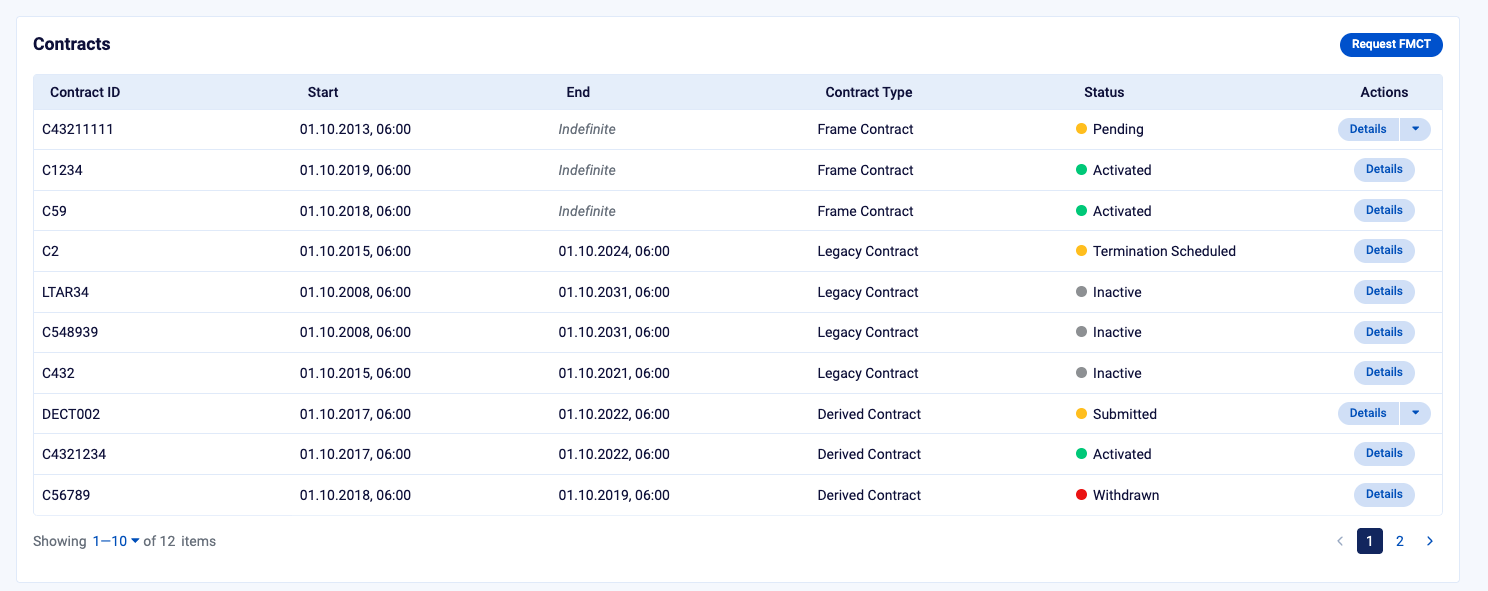
The Contracts section of the assignment details page, with the Request FMCT button at the top right.
- Read the TSO's General Terms and Conditions by clicking the link in the checkbox text.
- Tick the checkbox to confirm that you accept the General Terms and Conditions.
- Click Request Frame Contract.
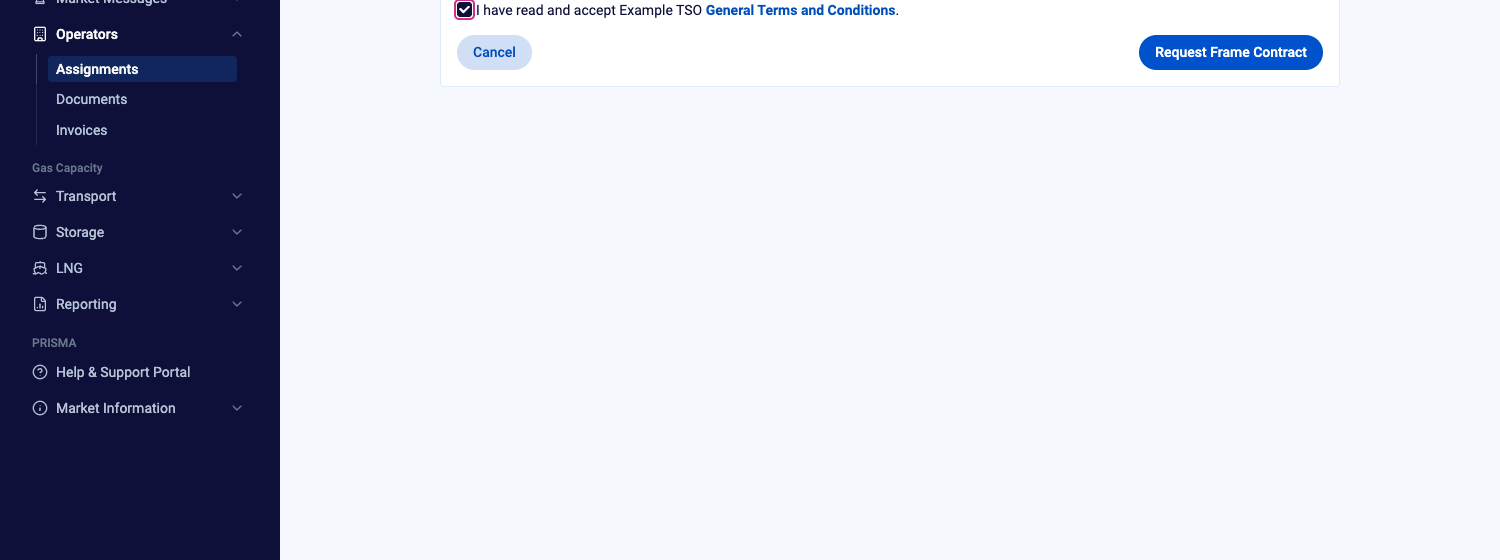
The Request Frame Contract page, with the General Terms and Conditions accepted.
PRISMA confirms that the frame contract has been requested and takes you back to the previous page. The request appears in the Contracts section with the contract type Frame Contract and the status Pending.
If you don't see Request FMCT, the TSO does not use PRISMA's Contract Management Service, or a frame contract request is not available for your company at the moment.
After You Send the Request
The TSO reviews your request and accepts or rejects it. Once the TSO decides, PRISMA notifies you and all shipper admins of your company by email.
For further information on these emails, please consult: How to Manage Your Contract and Capacity Management Notifications?
You can follow the request in the Contracts section, where the frame contract shows one of the following statuses:
| Status | Meaning |
|---|---|
| Pending | The TSO has not yet decided on your request. |
| Activated | The TSO has accepted your request and the frame contract is in force. |
| Rejected | The TSO has rejected your request. |
| Cancelled | The frame contract is no longer in force. |
For further information on viewing and downloading your contracts, please consult: How to View and Download Your Contracts with Operators?