Overview
If you have an active assignment to an LSO, you can edit and delete bids submitted by you or your colleagues in a live LNG offer.
NOTE: Editing and deleting bids is only possible if the bidding window is still open.
Instructions
To alter your company bids, do as follows:
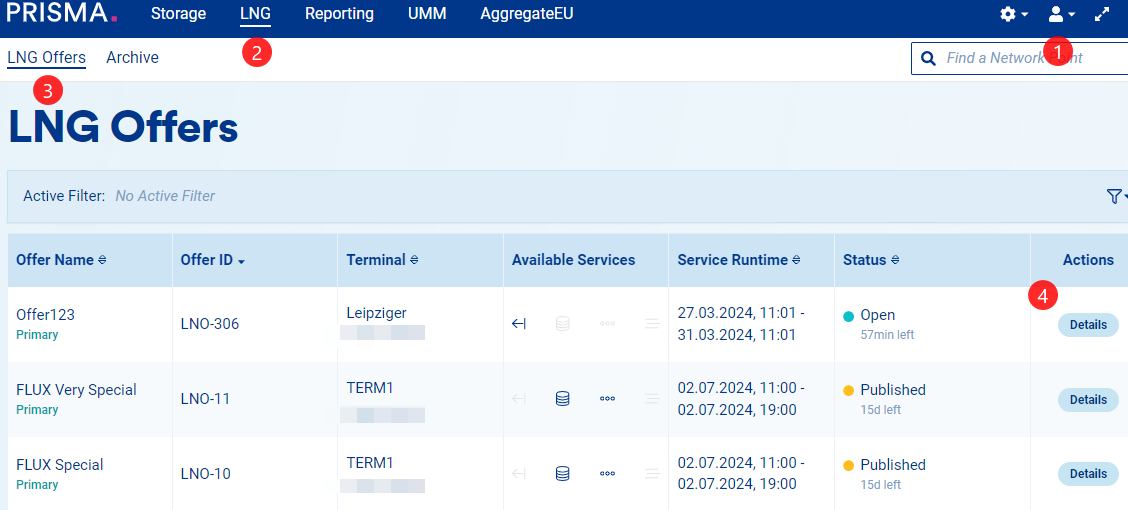
1. Log into your account;
2. Click on "LNG;"
3. Click on "LNG Offers;"
4. Enter the Details of the offer whose bid you wish to edit/delete;
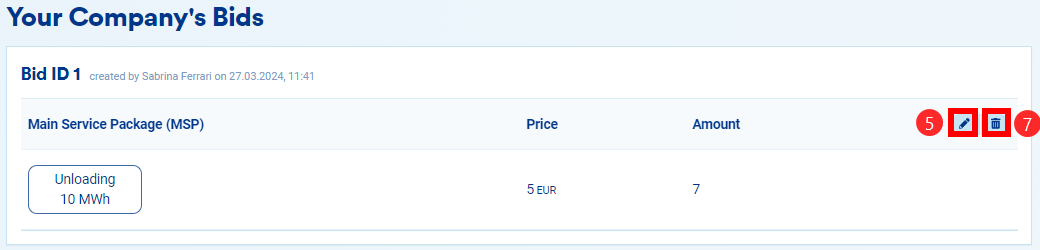
5. Scroll down the page to see your company's bids. To edit a bid, click on the pencil icon.
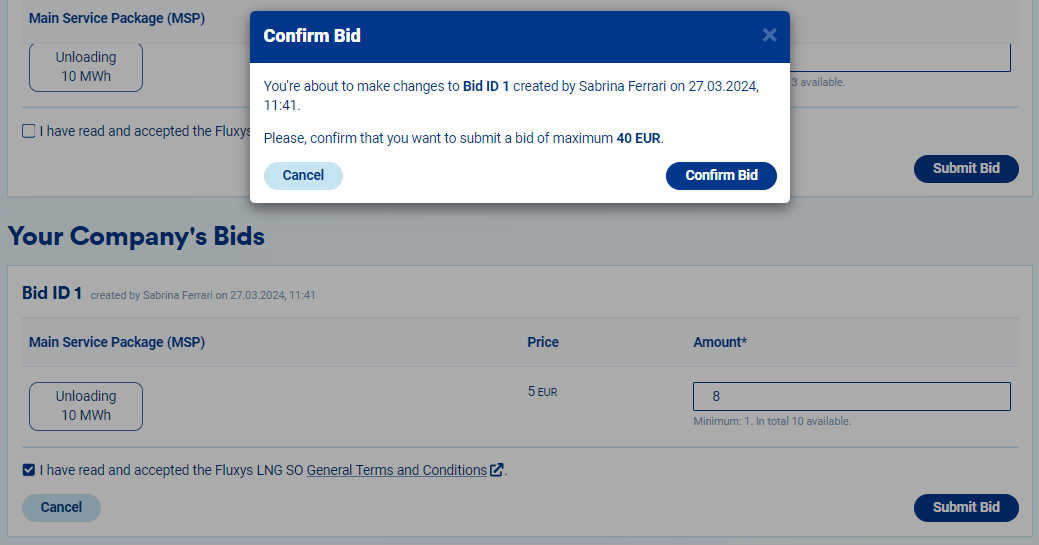
6. This action allows for modifications of the requested amount, which will take effect after you confirm the changes;
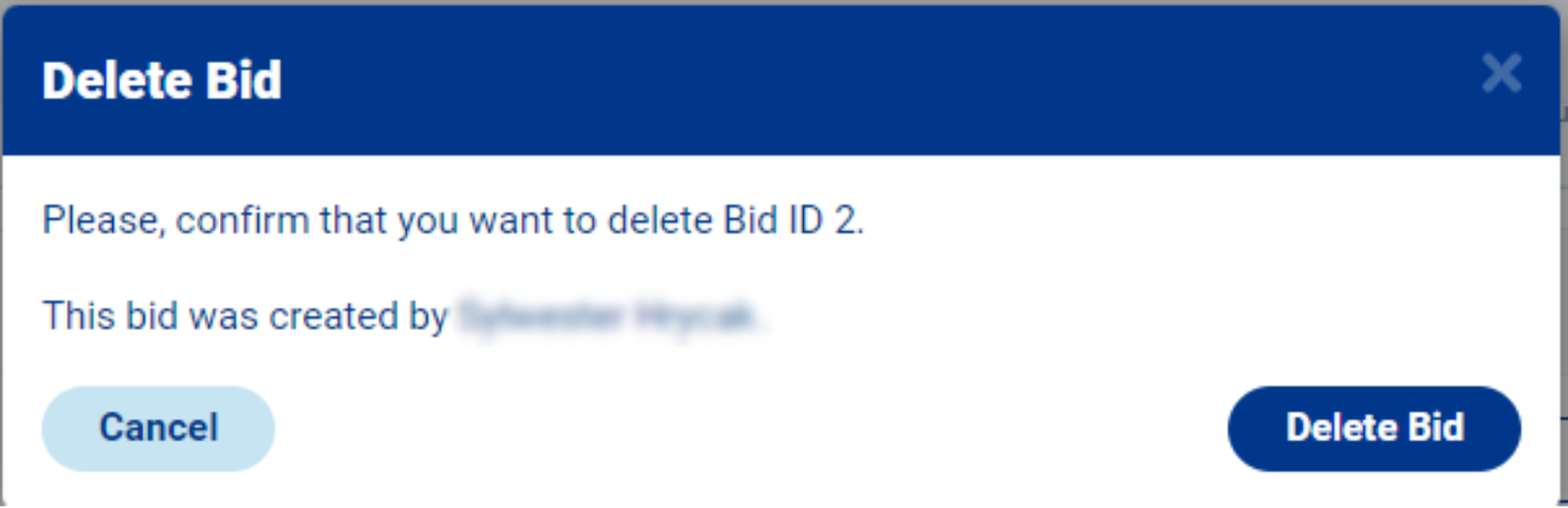
7. If, instead, you wish to delete a bid, click on the bin button and then confirm the action.