Overview
As an operator, you can download Power of Attorney (PoA) forms submitted by shipper admins to grant the admin role to other users in their company provided the shipper company has an active assignment to your operator.
Please verify in your account which environments currently support this process, as availability may have changed since this article was published.
How do you download a Power of Attorney form uploaded by a shipper admin?
To download the Power of Attorney forms uploaded by a shipper admin to upgrade another user of their company to the admin role, follow the steps below:
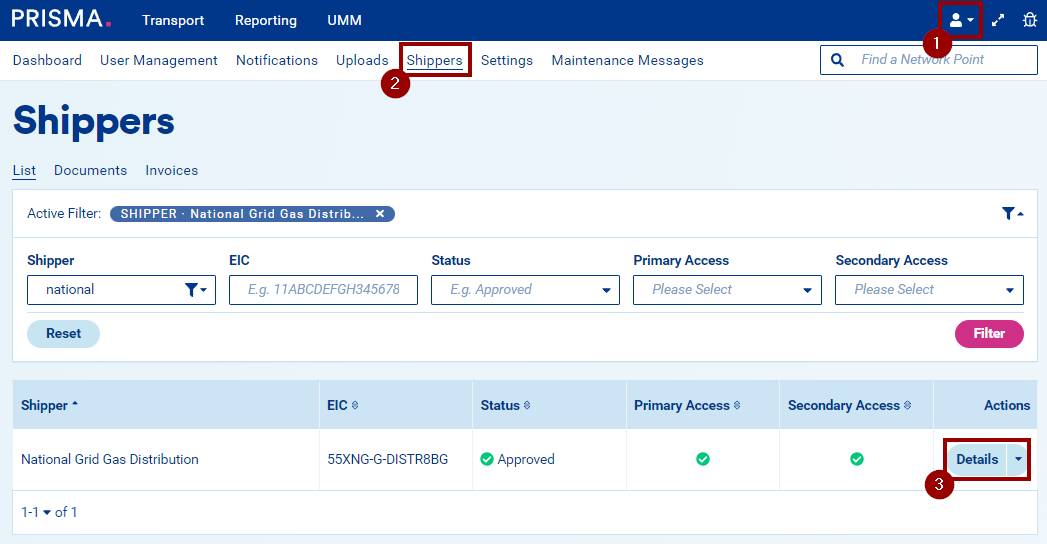
- Log into your account.
- Navigate to the Shippers menu.
- Find the company and enter its details.
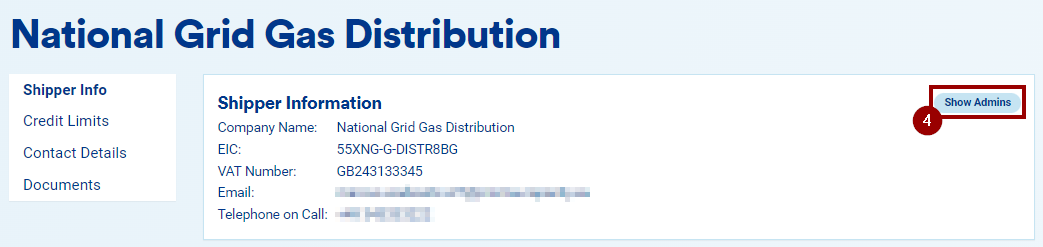
- Select the Show Admins button to view the complete list of admins of that company on the PRISMA platform.
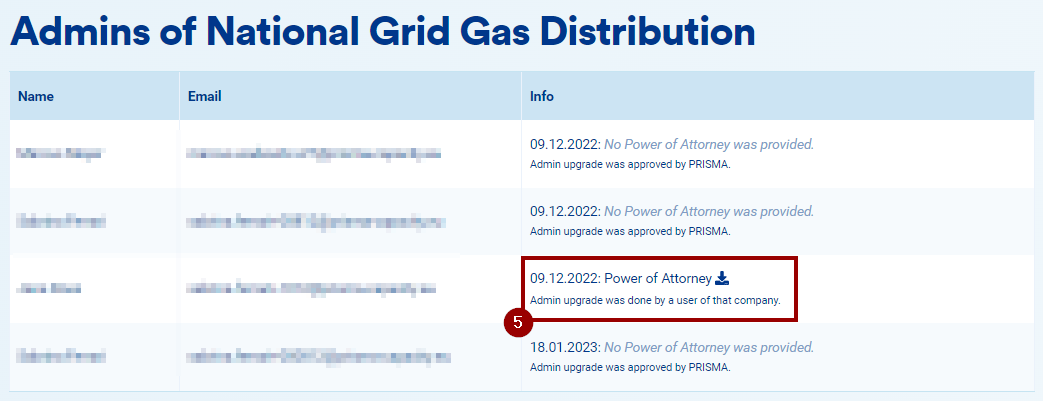
- For any admin account that was upgraded by an existing admin of the company, select the download icon next to their entry to download the corresponding Power of Attorney form.