
To translate this website into another language using Google Chrome, follow the steps below.
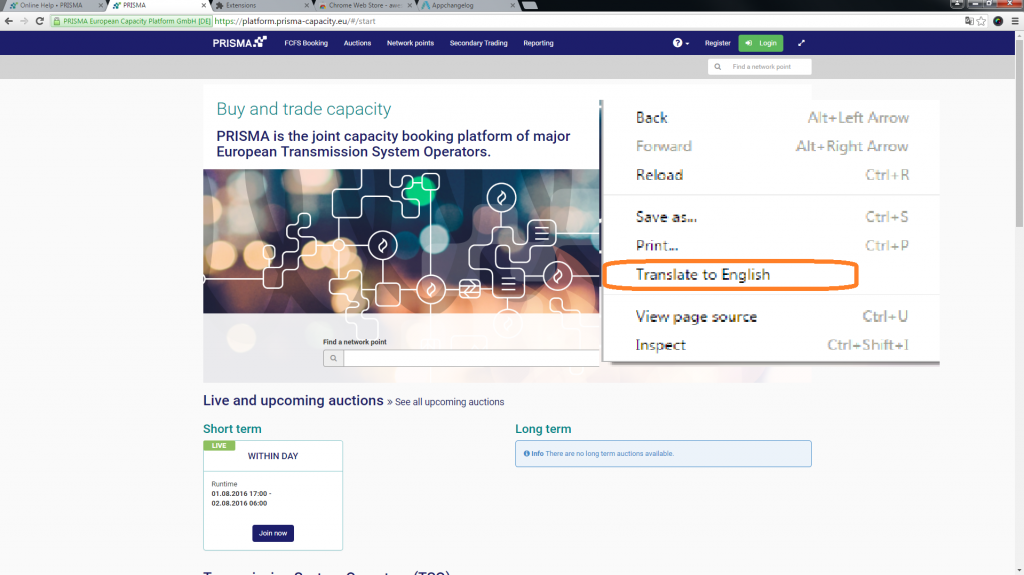
Right-click anywhere on the page and select Translate to [language] from the context menu.
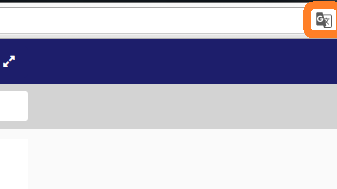
If Chrome does not automatically offer to translate the page, click the Google Translate icon (🌐) that appears at the right end of the address bar.
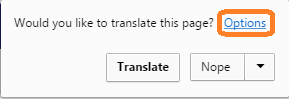
In the translation bar that appears, click More options (⋮) to change the target language.
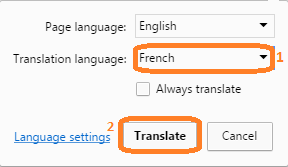
Select the language that you want and press Translate.

The page will now reload in your selected language. If the translation does not appear, refresh the page or try right-clicking and selecting Translate to [language] again.