
How do you translate the PRISMA website into another language?
You can translate the PRISMA website into any language supported by Google Chrome using the browser's built-in translation feature. Follow the steps below to change the display language.
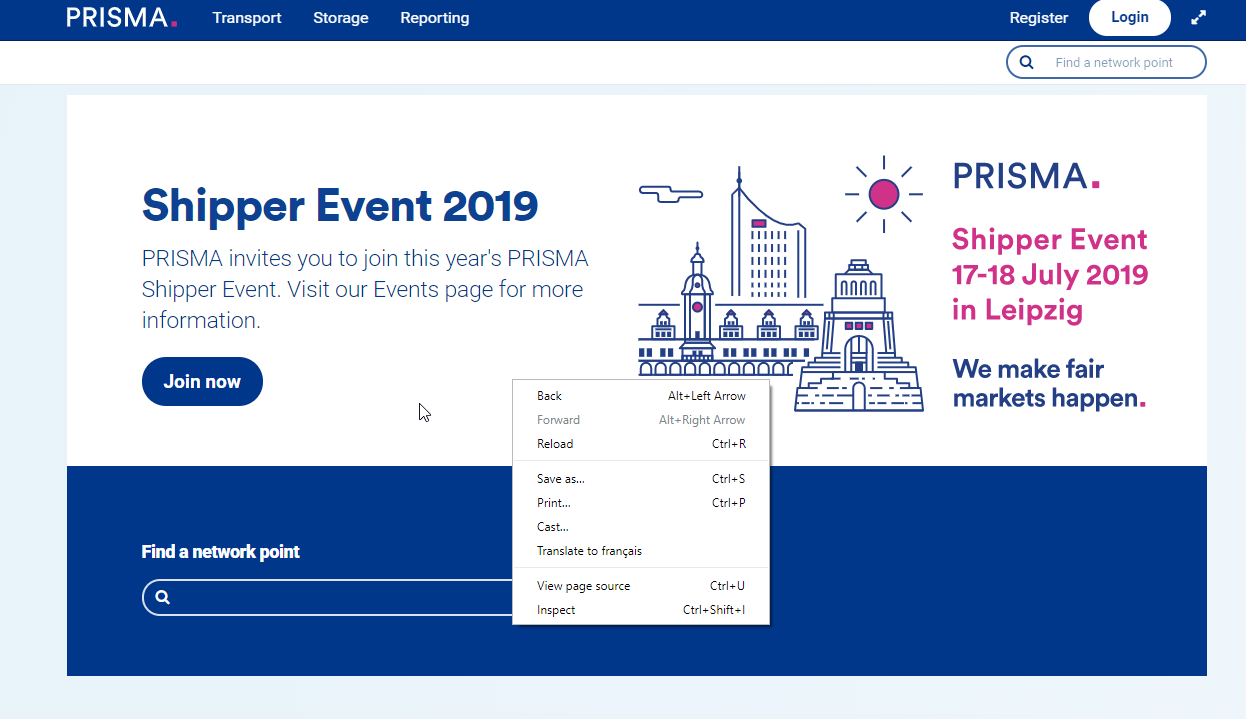
1. Right-click anywhere on the PRISMA page you want to translate and select the Translate to... option from the context menu.
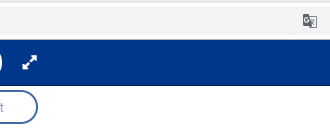
2. If Chrome has already detected a different language, click the translation icon on the right side of the address bar.
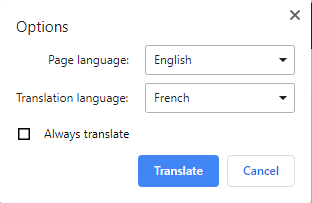
3. In the translation bar that appears, click Options.

4. Select your target language from the list and click Translate.
The page should now appear in the language you selected.
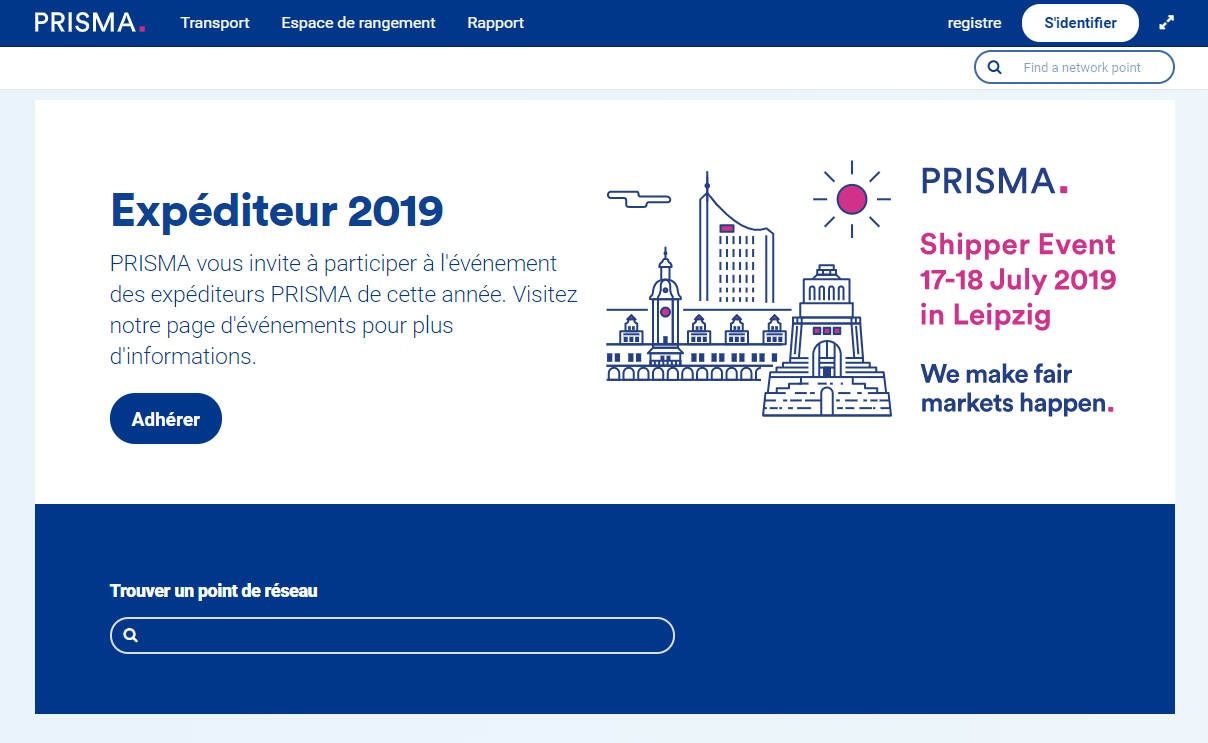
NOTE: This is not an official PRISMA translation. Any grammatical or graphical errors are a responsibility of third-party algorithms.